 Phalanx
Policies
Draft ISO policies in the platform.
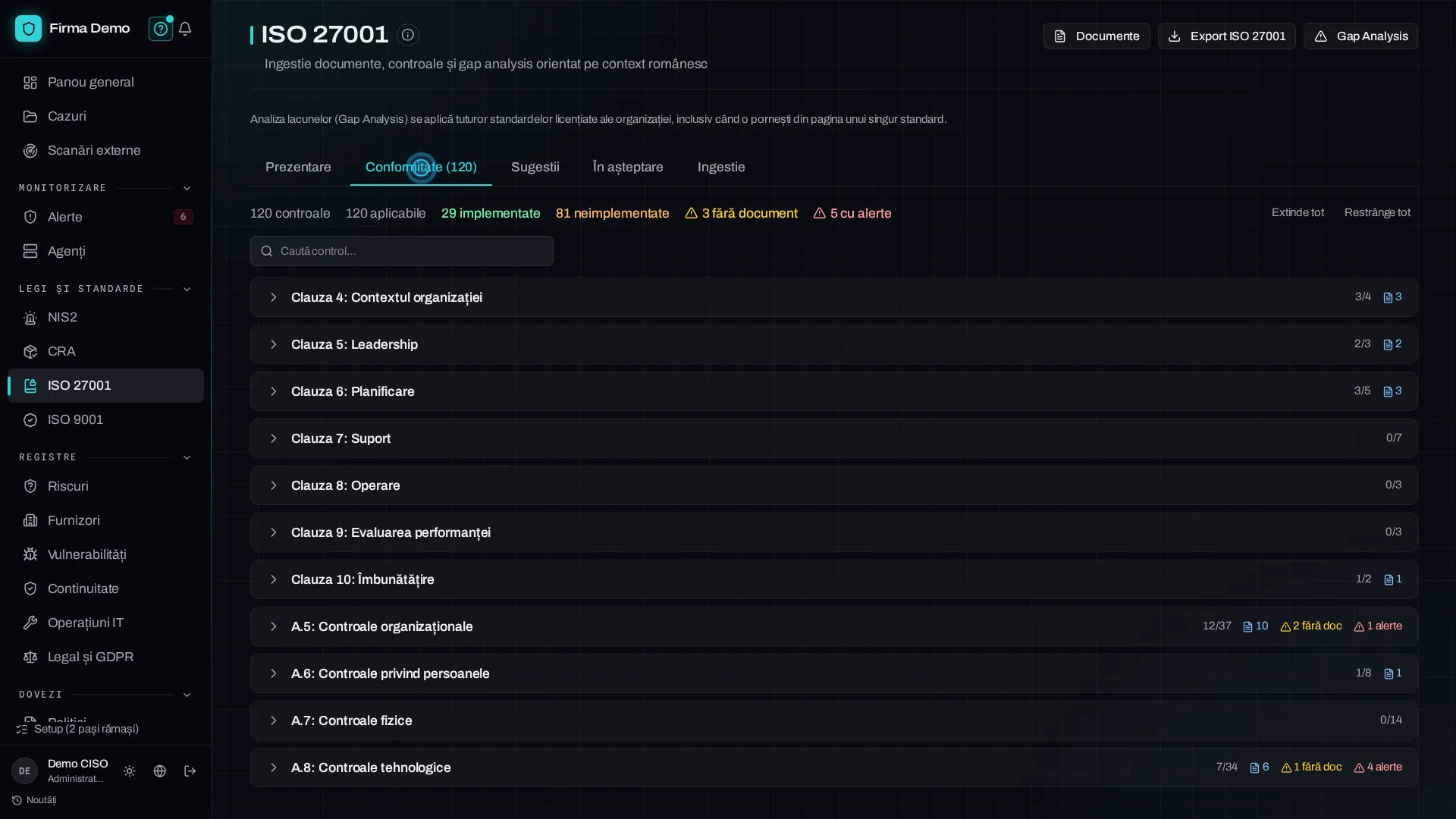
ISO 27001 and ISO 9001 have separate standard pages. Policy text is available in Policies, where a person reviews and approves it before it goes live.
For companies that have to prove compliance
Start with external site scans or the package your requirements call for. Compliance modules keep documents and evidence for audit. Add Monitoring when you need alerts and agents.
Policies
ISO 27001 and ISO 9001 have separate standard pages. Policy text is available in Policies, where a person reviews and approves it before it goes live.
Gap analysis
Three states, not two. The difference between a policy that does not exist and one that exists but shows no sign of being practised is exactly what an auditor asks about.
Guided interview
Answer questions about your company’s processes. When AI is available, help explains the question in Romanian and suggests whom to ask. It does not supply your answer. A person approves the resulting policy.
Registers
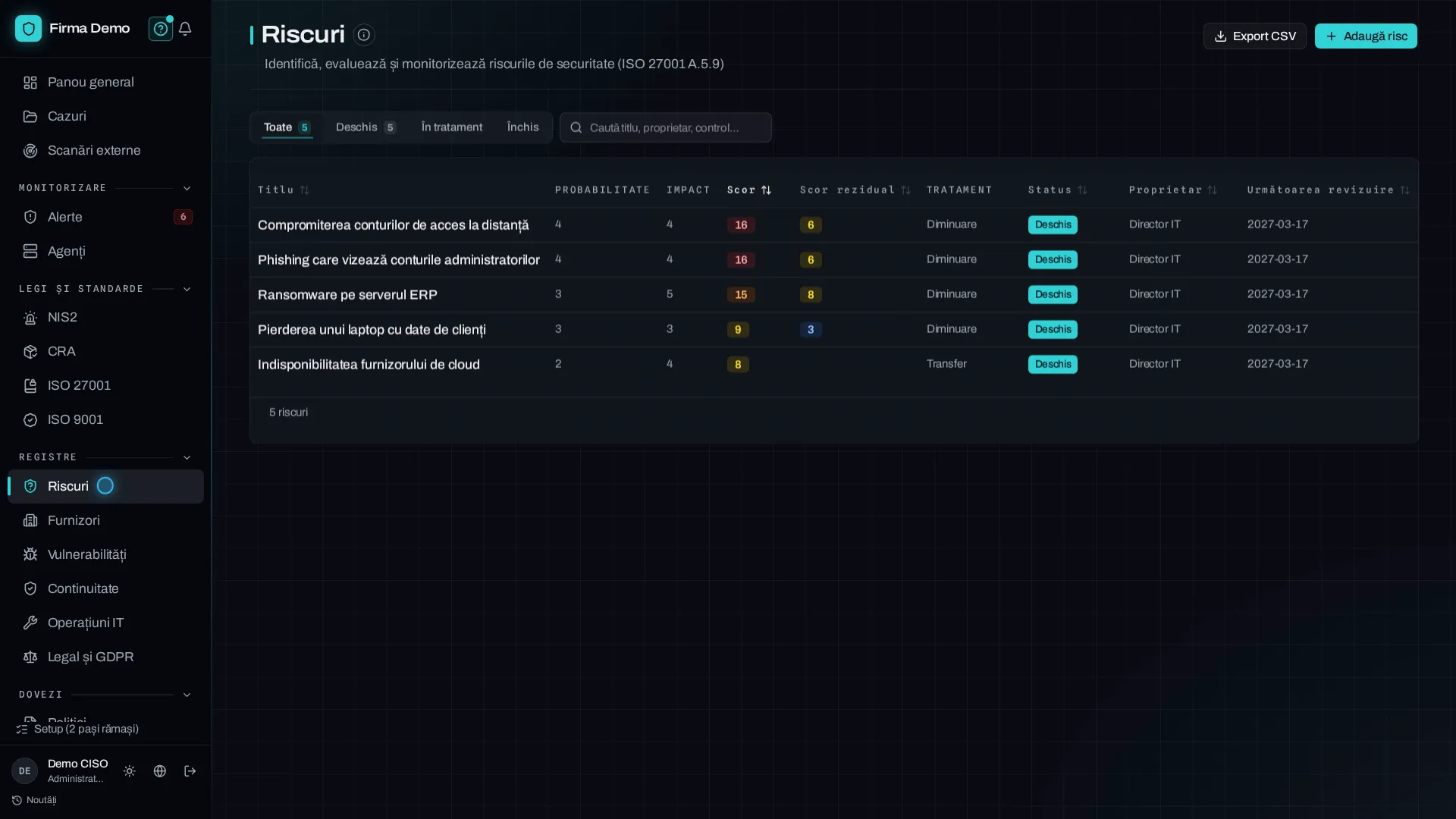
Risks, Suppliers, Vulnerabilities and Business continuity have dedicated pages. IT operations groups changes and access with certificates and backup. Legal and GDPR holds legal requirements and data processing.
Cases
With Monitoring, an alert can become a case. The case keeps the investigation timeline and can be attached as audit evidence when the organisation has access to the audit report.
NIS2
The incident register tracks reporting deadlines. A separate DNSC obligations card shows each step’s status and calculates deadlines from the dates you record.
Post incident report
Root cause, impact, affected systems, corrective actions, lessons learned. The draft fills itself from the case rather than from a blank form, and exports as a signable document.
Audit log
Document creation, editing and approval land in an append only log.
Tell us which standard or regime obliges you and where the documentation stands today. We will come back with what the platform covers of it and what is left to do by hand.